Documentation
Getting Started
SemiToolbox is a professional STDF (Standard Test Data Format) file viewer designed for semiconductor test data analysis. This guide will help you understand how to use the software effectively.
Loading STDF Files
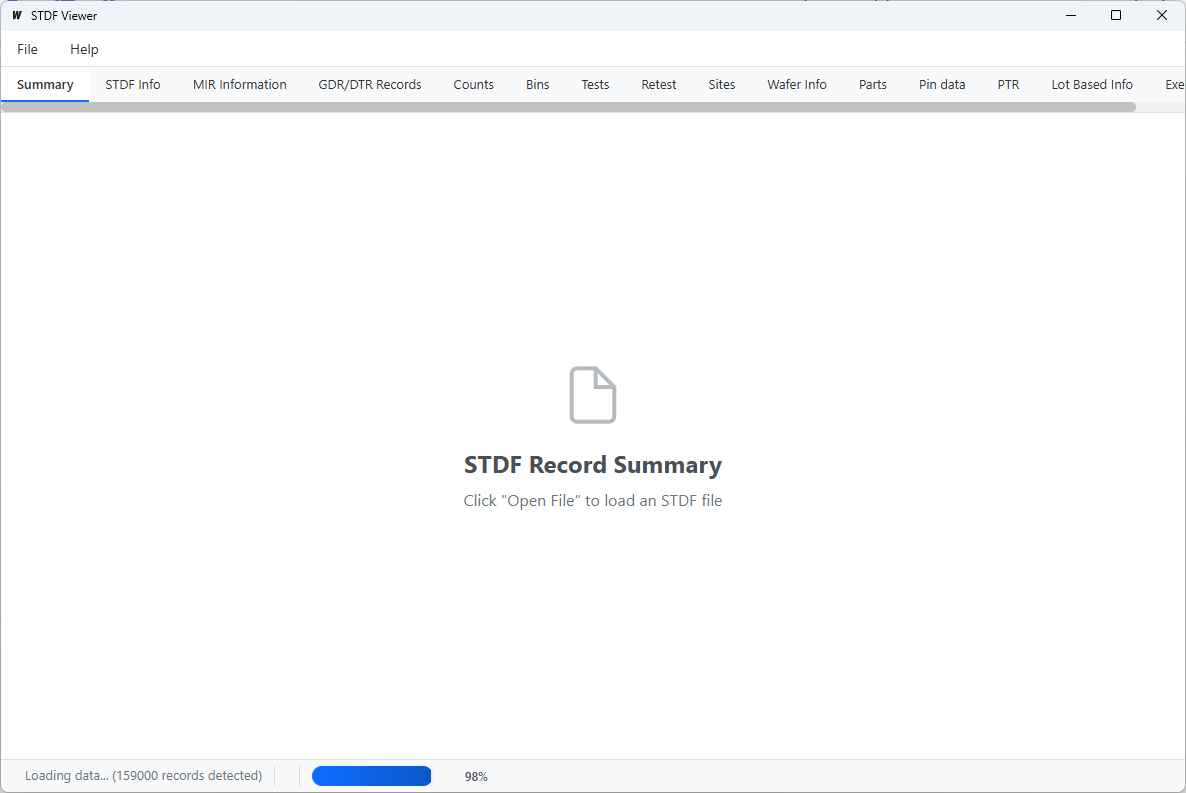
Important: STDF file loading time cannot be easily predicted as records are decoded sequentially, one after the other.
When you open an STDF file, SemiToolbox reads and processes each record in the file sequentially. The loading time depends on:
- The total number of records in the file
- The complexity of each record type
- The file size (compressed files take additional time to decompress)
- Your computer's processing speed
A progress indicator will show you the loading status. Large files with millions of records may take several minutes to load completely.
💡 Tip
For very large STDF files, be patient during the initial load. Once loaded, navigation between different views is instant.
Understanding the Interface
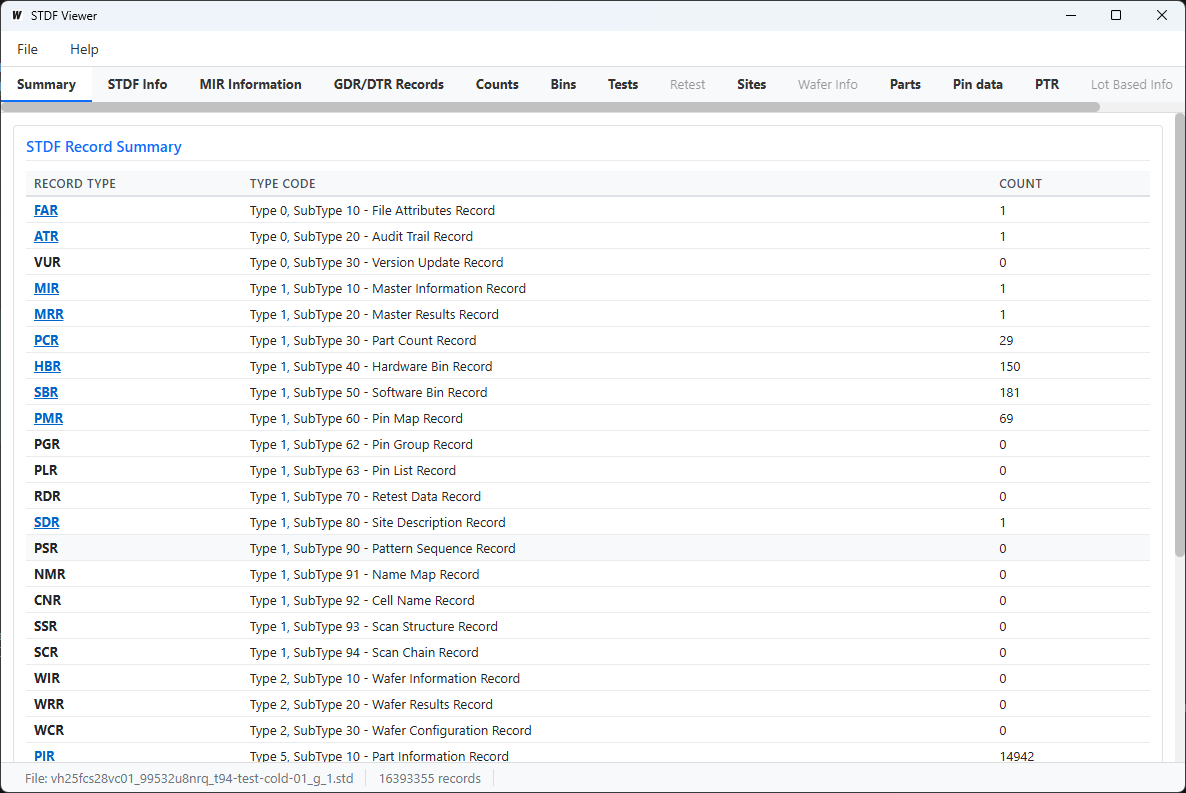
SemiToolbox organizes STDF data into logical tabs:
Summary
Overview of all record types in the file with counts and quick navigation links.
Lot Information
Master Information Record (MIR) and Master Results Record (MRR) data.
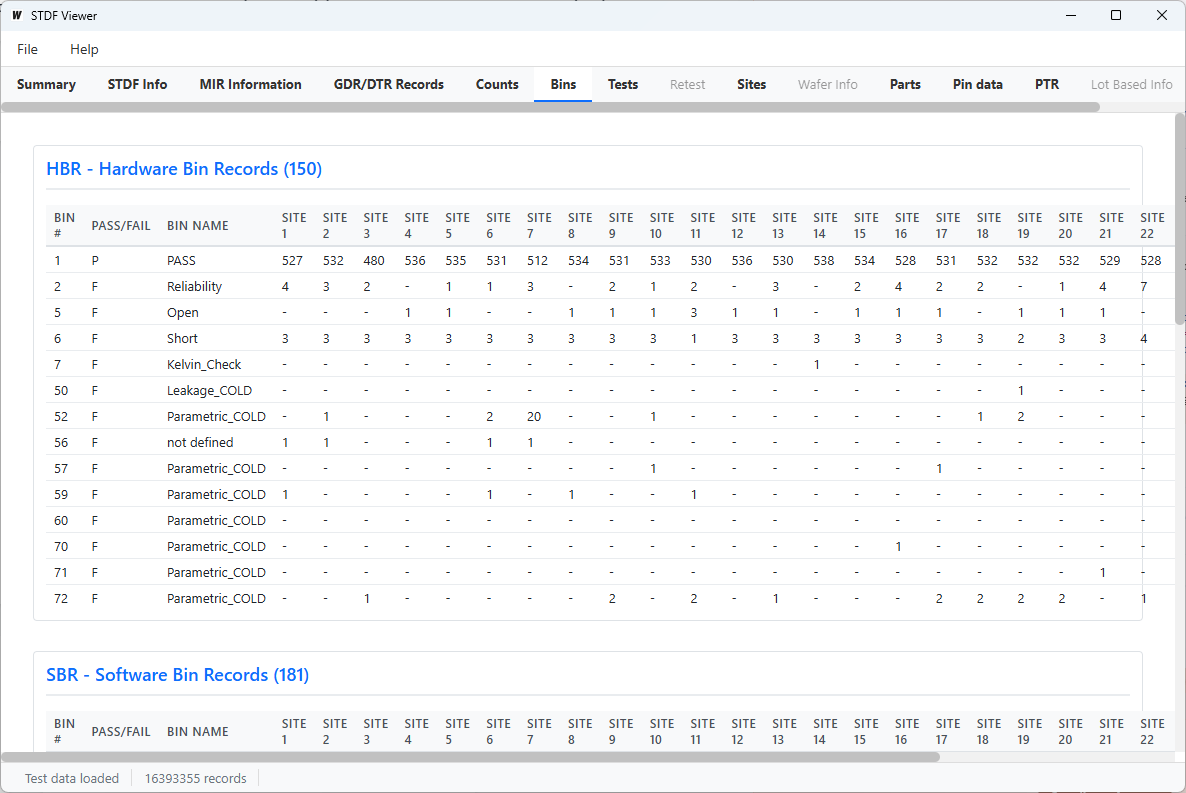
Parametric Tests
PTR and MPR records with pivot table view for easy analysis.
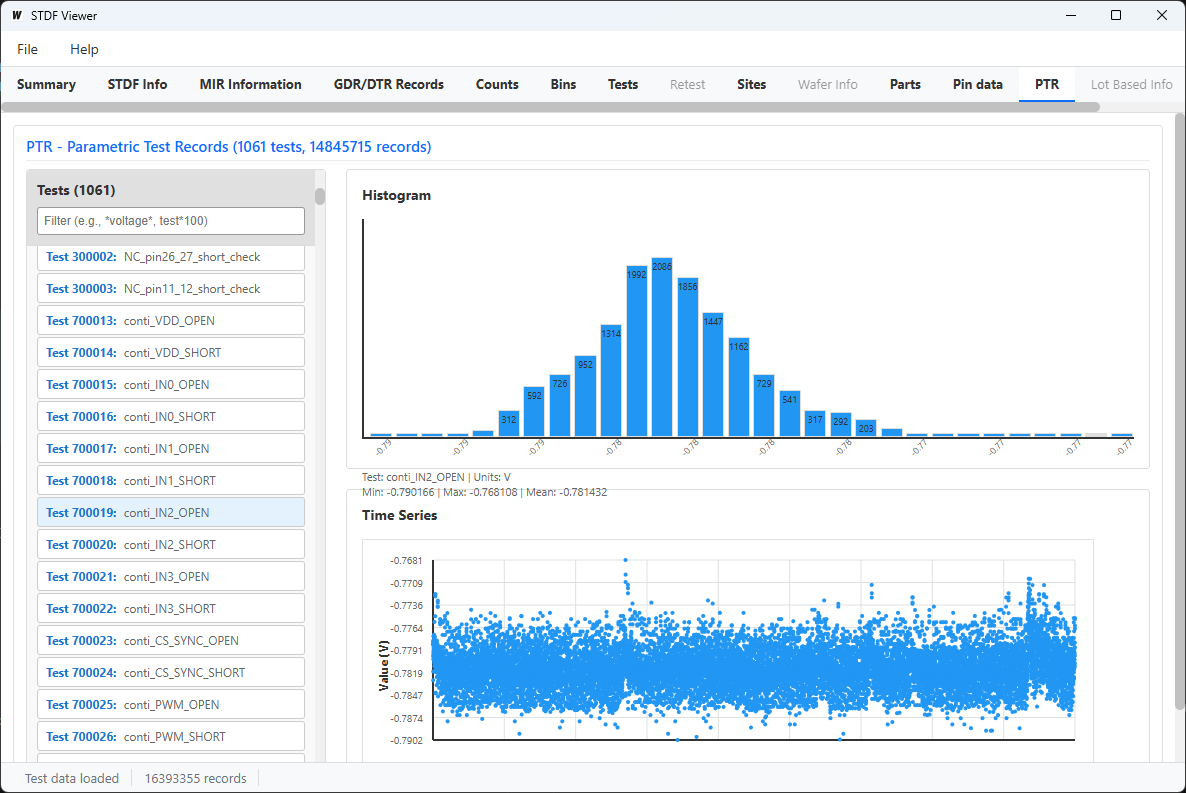
Bins
Hardware and software bin analysis with Pareto charts.
Test Specs
Test specifications, limits, and statistics.
Wafers
Wafer information, results, and configuration records.
File Format Support
SemiToolbox supports multiple STDF file formats:
- .std - Uncompressed STDF files
- .std.gz - Gzip compressed STDF files
- .std.Z - Unix compress compressed STDF files
Compressed files are automatically decompressed during loading. This adds processing time but allows you to work with smaller file sizes.
License and Trial
SemiToolbox offers a 7-day free trial. After the trial period expires, you'll need to purchase a license to continue using the software.
Licenses are machine-locked, meaning each license is valid for one computer. To check your license status or hardware ID, go to Help → License Information.
Troubleshooting
File Won't Load
- Verify the file is a valid STDF V4 format file
- Check if the file is corrupted
- Ensure you have sufficient disk space and memory
Slow Loading
Large STDF files with millions of records will take time to load. This is normal behavior. The progress indicator will show you the loading status. Be patient and let the process complete.
Need More Help?
Contact our support team for assistance